
You waited 60 days. You paid your bill on time. Yet your Verizon phone still locked after 60 days, and it will not accept a SIM from another carrier.
This is frustrating, and it is common in 2026. Verizon changed its unlock rules this year. The old 60-day rule no longer applies to every phone in the same way.
In this guide, we explain the new policy in plain English. You will learn why your phone may still be locked, how to check it in one minute, and how to fix it fast. We use only verified facts from Verizon’s official policy pages.
Quick Answer
If your Verizon phone still locked after 60 days, the new 2026 rule is the most likely reason. Verizon no longer unlocks every phone after 60 days.
- Postpaid phones often unlock only when you pay the full price or pay off the financing balance in full.
- Some prepaid phones now need 365 days of paid service, plus a request to Verizon.
- Once unlocked, a phone is never re-locked.
First, check your lock status and your payment history. Then check for a gift card delay, a replacement device, or a lost or stolen flag. If none of those apply, back up your phone, do a factory reset, then call Verizon at 800-922-0204 or *611 and say “carrier unlock.”
What Changed in 2026
For years, many customers expected an automatic unlock after 60 days. That rule shaped how people planned a switch to another carrier. However, the rule changed in early 2026.
On January 12, 2026, the FCC granted Verizon a waiver of the 60-day rule. Then Verizon updated its Device Unlocking Policies page, effective February 18, 2026. You can read the full rules on Verizon’s Device Unlocking Policies page.
The new policy does not use one date for every customer. Instead, it uses your plan type, your activation date, and whether you paid in full. As a result, two phones bought on the same day can unlock on different dates.
Verizon Unlock Rules at a Glance
Use this table to find your rule fast. Then read the sections below for the details that apply to you.
| Phone type | When it unlocks |
|---|---|
| Postpaid, bought at full retail price | Unlocks automatically |
| Postpaid, on a financing plan | Unlocks automatically when the financing balance is paid in full |
| Prepaid, activated on or before January 26, 2026 | Unlocks automatically after 60 days of paid service |
| Prepaid, activated on or after January 27, 2026 | Unlocks upon request after 365 days of paid active service |
| Bought before January 27, 2026, on a standard monthly plan | Unlocks automatically after 60 days |
| Lost or stolen phone | Stays locked until it is cleared |
Once a phone is unlocked, Verizon says it will never be re-locked. That is good news. You only need to solve this problem once.
How to Check If Your Verizon Phone Is Still Locked After 60 Days
Before you call Verizon, check the lock status yourself. This check takes about one minute. First, find your IMEI number. Dial *#06# on your phone, and your IMEI will appear on the screen. Write it down, because Verizon may ask for it.
On iPhone
Go to Settings, then General, then About. Next, look for Carrier Lock. If it says “No SIM restrictions,” your iPhone is unlocked. If it names a carrier, your iPhone is still locked.
On Android
Insert a SIM card from a non-Verizon carrier into the phone. Then restart the phone. If the phone accepts the SIM and shows signal, it is likely unlocked.
If it shows “SIM Not Supported,” the phone is locked. Try the SIM in a good coverage area, so a weak signal does not confuse the result.
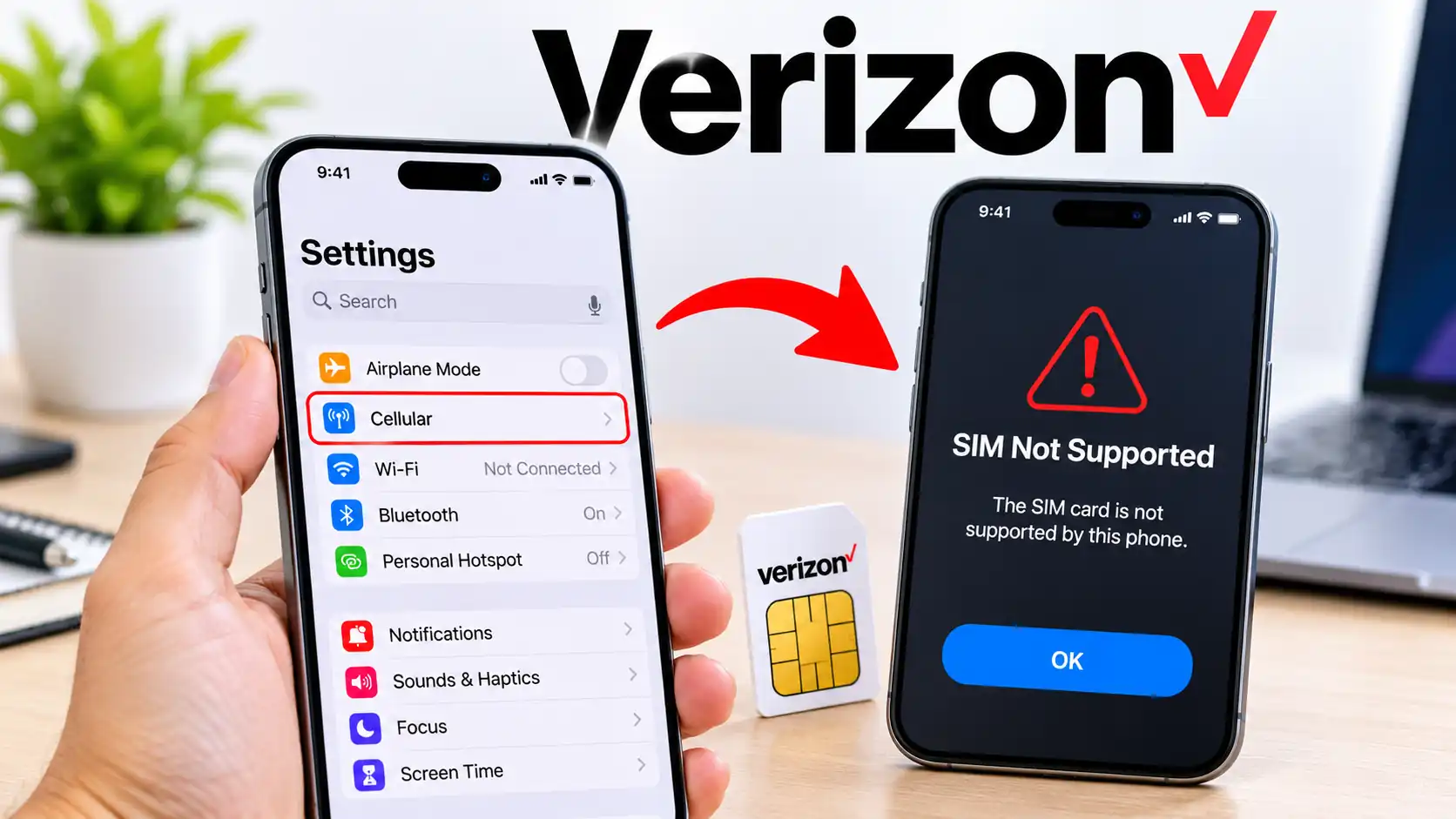
7 Reasons Your Verizon Phone Is Still Locked After 60 Days
A Verizon phone still locked after 60 days is not always a mistake. In most cases, a different rule applies. Here are the 7 most common reasons.
Reason 1: You Still Owe Money on the Phone
On a postpaid financing plan, the phone unlocks only when the financing balance is paid in full. A partial payment does not unlock it, even after 60 days. Check your remaining balance in the Verizon app or on your bill.
Reason 2: You Paid With a Gift Card
A gift card payment adds a 35-day delay. As a result, the unlock may come later than you expect. Wait for that delay to pass, then check the lock status again.
Reason 3: Your Phone Is a Replacement Device
A replacement device is not the same as a new line or an upgrade. So the unlock rule may work in a different way for that device. Ask Verizon to check the unlock date for that exact IMEI.
Reason 4: The Phone Has a Lost, Stolen, or Fraud Flag
A phone with a lost, stolen, or fraud flag stays locked until it is cleared. Verizon will not unlock it while the flag is active. If you bought the phone secondhand, check this point first.
Reason 5: You Paid Within 30 Days of Purchase
If you paid within 30 days of purchase, you must pay cash at a Verizon store. An online payment in that early window may not meet the rule. Visit a store with your ID and your payment if this applies to you.
Reason 6: Your Final Payment Has Not Posted Yet
A bank payment can take time to show on your Verizon account. The unlock does not always happen at the same minute as the payment. Wait for the payment to post, then check the lock status again.
Reason 7: Your Prepaid Phone Needs 365 Days
Prepaid phones activated on or after January 27, 2026, need 365 days of paid active service. Suspended days do not count toward those 365 days. So the phone can stay locked after 60 days, even with on-time payments.
How to Fix a Verizon Phone Still Locked After 60 Days
Follow these steps in order. They cover the checks that solve most cases, and they save you from repeat calls.
Step 1: Check the Lock Status and Note Your IMEI
Use the iPhone or Android check above. Dial *#06# to get your IMEI. Write down the result and the IMEI.
Step 2: Check Your Balance and Payment History
Make sure your financing balance is zero. Also, make sure your final payment has posted to your account.
Step 3: Check How You Paid
If you used a gift card, allow 35 days. If you paid within 30 days of purchase, plan to pay cash at a Verizon store.
Step 4: Check for a Replacement Device or a Flag
Note whether the phone is a replacement device. Also, ask Verizon to check for a lost, stolen, or fraud flag on your IMEI.
Step 5: Back Up Your Phone and Do a Factory Reset
Back up your photos, contacts, and files first. Then do a factory reset if no other reason applies. A reset can clear a stuck unlock status.
Step 6: Test the Phone Again
Test the phone with a non-Verizon SIM after the reset. On iPhone, also check Settings, General, About, and Carrier Lock.
Step 7: Call Verizon and Ask for the Unlock Date
Call Verizon at 800-922-0204 or dial *611 from your Verizon phone. Say “carrier unlock,” give your IMEI, and ask for the unlock date for your plan.
If Verizon says the phone is eligible, ask them to confirm the unlock while you are on the call. Then restart the phone and test it again. If they say it is not yet eligible, ask for the exact date and the exact reason. Write that date down.
Do not pay third-party sites for unlock codes. Only Verizon can unlock a Verizon phone. A third-party site cannot change Verizon’s lock status, and it cannot remove a lost, stolen, or fraud flag.
How to Request a Prepaid Unlock for a Verizon Phone Still Locked After 60 Days
Prepaid phones have the biggest change in 2026. The date you activated the phone decides which rule applies to you.
- Activated on or before January 26, 2026: your phone unlocks automatically after 60 days of paid service.
- Activated on or after January 27, 2026: your phone unlocks upon request after 365 days of paid active service.
- Suspended days do not count toward those 365 days.
For the new prepaid rule, you must request the unlock. Call 800-922-0204 to request it after you reach 365 days of paid active service. You can find more details in Verizon’s own FAQ.
Keep your activation date and your payment records. Verizon may use them to check your service days. A line that was suspended for a month will need an extra month of active paid service.
Military Exception
Verizon has a separate process for military members who are deployed. If you are deployed with relocation orders to a place outside Verizon coverage, and your line is suspended for deployment, you may be able to request an unlock.
However, the unlock happens only after your account is verified and in good standing after 60 days of active service. Keep your relocation orders and your account details ready. Then contact Verizon support and ask them to verify your account and confirm the next step.
FAQ
Why is my Verizon phone still locked after 60 days in 2026?
It depends on your plan and your activation date. Some postpaid phones unlock only after full payment. Some prepaid phones activated on or after January 27, 2026, need 365 days of paid active service and a request to Verizon.
How long does Verizon take to unlock a phone after full payment?
It can take a short time after the payment posts. First, wait for the payment to show as posted on your account. Then restart the phone and check the lock status. If it is still locked, call Verizon and ask them to check your IMEI.
Can I unlock a Verizon prepaid phone early?
No, you cannot skip the service period in the new rule. For prepaid phones activated on or after January 27, 2026, you need 365 days of paid active service. Suspended days do not count, and you must request the unlock after that period.
What does “No SIM restrictions” mean on iPhone?
It means your iPhone is unlocked. Go to Settings, then General, then About, and look for Carrier Lock. If it says “No SIM restrictions,” you can use a SIM from another carrier.
Will a factory reset unlock my Verizon phone?
No, a factory reset does not unlock a phone by itself. However, it can clear a stuck unlock status after Verizon has unlocked the phone. Back up your data first, because a reset erases your photos, apps, and files.
Who can unlock my Verizon phone?
Only Verizon can unlock it. Call 800-922-0204 or dial *611 and say “carrier unlock.” Do not pay a third-party site for an unlock code, because it cannot unlock a Verizon phone.
Final Thoughts
Check your plan type, your activation date, and your payment history first, because one of those points usually explains the lock.
If your phone meets the rule and it is still locked, back up your data, do a factory reset, and call Verizon with your IMEI to ask for the exact unlock date.
If your phone shows signal problems after a switch or an update, read our guide on fixing No Service or Emergency Calls Only after an Android update.
