No Service or Emergency Calls Only After Android Update? 10 Fixes

Phone shows no service after update or Emergency calls only? Try these 10 fixes for Samsung, Xiaomi, Pixel and other Android phones.
Phone shows no service after update or Emergency calls only? Try these 10 fixes for Samsung, Xiaomi, Pixel and other Android phones.

Fix a Xiaomi, Redmi or POCO boot loop with Mi Flash Tool. Step-by-step guide to flashing the official Fastboot ROM, plus common errors.

Learn how to flash Samsung firmware with Odin: find the right firmware, enter Download Mode, flash safely and fix common Odin errors.

Samsung stuck on boot logo or in a boot loop? Try these 6 fixes, from a force restart and Safe Mode to reinstalling the official firmware.

iPhone stuck on Apple logo? Try a force restart, Recovery Mode update, restore or DFU mode. Step-by-step fixes, with and without data loss.
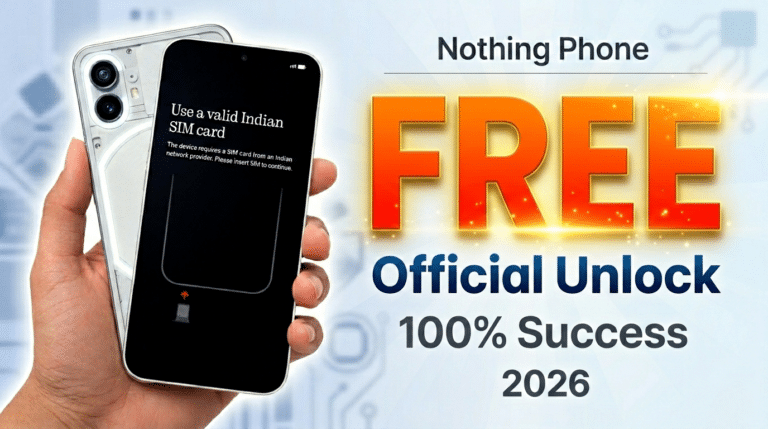
Getting a brand-new Nothing Phone or CMF Phone only to be greeted by the stubborn “Use a valid Indian SIM …
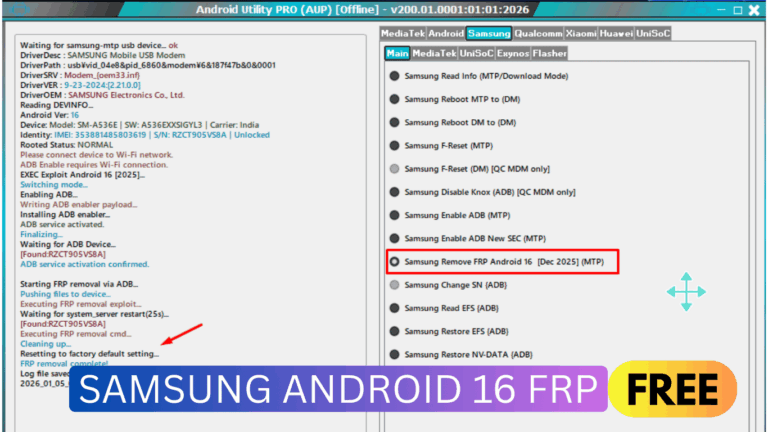
Samsung Factory Reset Protection (FRP) has become one of the strongest mobile security systems in recent years. Its main purpose …

If you own a MacBook and one day you press the power button only to see a flashing folder with …
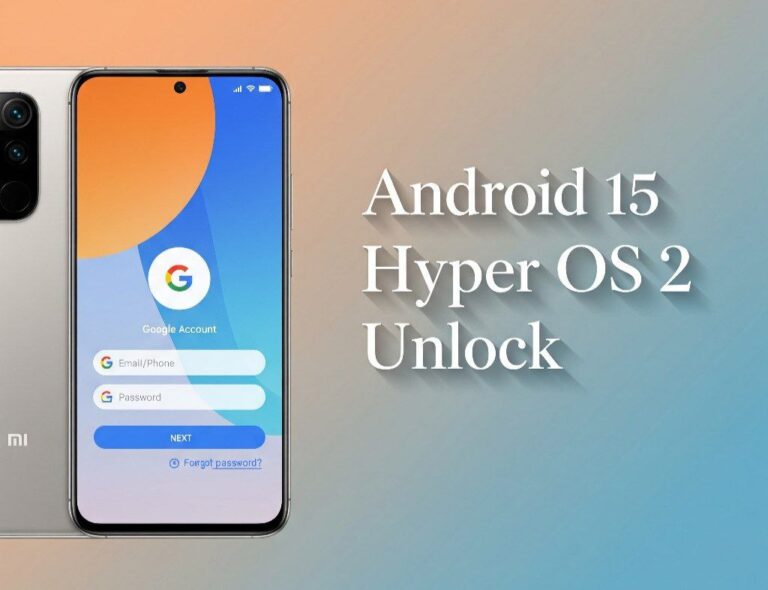
🔓 Xiaomi Android 15 FRP Unlock Tool – HyperOS 2 Supported If you’re a Xiaomi user, you might have faced …
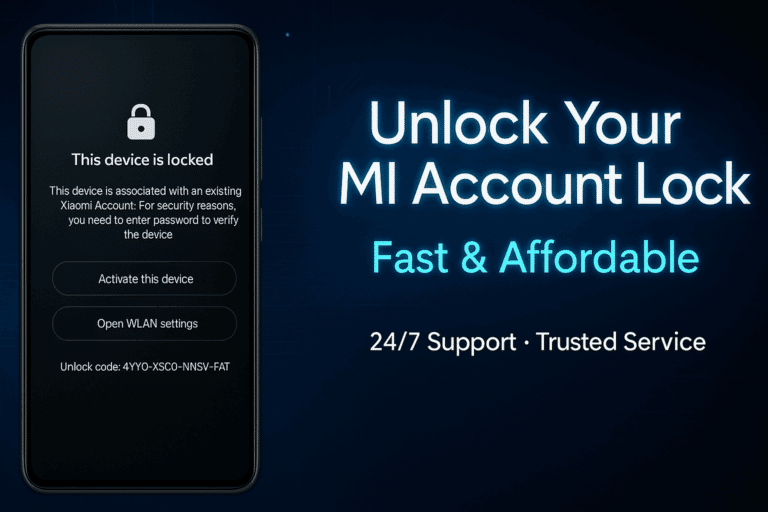
After resetting your Xiaomi Redmi Note 12, are you stuck at the Mi account login screen? That’s the Mi account …