
I once counted the days to unlock a Metro phone, checked the app, and still got it wrong. The app said not eligible, support gave me a different date, and a forum post gave me a third one. If that sounds familiar, you are not doing anything wrong. The rule itself changed, and that is why the Metro by T-Mobile unlock 180 or 365 days question keeps coming up.
Metro changed its waiting period, and both the old and new numbers are still all over the internet. This guide sorts out the Metro by T-Mobile unlock 180 or 365 days question, shows you which rule is likely to apply to your phone, and explains how to check your own date without guessing.
Quick Answer
Metro’s current rule is 365 days from activation. If your phone was activated recently, you will usually need to wait a full year before Metro will unlock it. The older 180-day rule still applies to some older phones, so your activation date decides which rule you are under.
Your phone must also have been purchased from Metro, and it must not be reported lost, stolen, or blocked. Once it is eligible, Metro says it will be remotely unlocked free of charge, usually within two business days.
Why Do People See Both 180 and 365 Days?
For a long time, Metro’s unlock waiting period was 180 days. Many owners learned that number from friends, store staff, and older support pages. Then Metro changed the policy, and the waiting period became 365 days. The old articles did not disappear, so search results still mix the two numbers.
The change did not happen on the same day for every phone. Metro has said in its own replies to Better Business Bureau complaints that the 365-day rule applies to handsets purchased after 1 May 2024, while handsets activated before 1 May 2024 keep the 180-day rule. That split is the key to the whole puzzle.
Here is an honest note. Some sources quote the cut-off as 5 May 2024 rather than 1 May 2024, and the wording sometimes says purchased and sometimes says activated. If your date falls in early May 2024, do not rely on a blog post, including this one. Confirm your exact eligibility date by IMEI with Metro before you plan to switch carriers or sell the phone.
Metro by T-Mobile Unlock 180 or 365 Days: Side by Side
| Detail | Old rule: 180 days | Current rule: 365 days |
|---|---|---|
| Waiting period | 180 days from activation | 365 days from activation |
| Who it covers | Handsets activated before 1 May 2024, per Metro’s BBB replies | Handsets purchased after 1 May 2024, per Metro’s BBB replies |
| Status today | Old rule, no longer standard for new phones | Current official policy |
| Other conditions | Bought from Metro; not lost, stolen, or blocked | Bought from Metro; not lost, stolen, or blocked |
| Cost and timing | Free remote unlock once eligible | Free remote unlock, usually within two business days |
Which Rule Applies to You?
Start with the date, not with the app. The Device Unlock app can tell you that you are not eligible, but it does not always explain why. Your activation date tells you the full story.
If you activated before 1 May 2024
You are most likely under the old 180-day rule. Add 180 days to your activation date. If that date has passed and your phone meets the other conditions, it should be eligible now. If it still shows as locked, the problem is more likely a wrong date, a blocked IMEI, or a phone that was not bought directly from Metro.
If you purchased after 1 May 2024
You are most likely under the current 365-day rule. Add 365 days to your activation date. That is a full year, and it catches many people by surprise, especially if they bought the phone on a deal and planned to switch after six months. This group is also the most likely to see not eligible in the Device Unlock app. In most cases, that message simply means the year is not up yet.
If your date is in early May 2024
Treat this as a grey area. Some sources quote 5 May 2024 as the cut-off, and some use purchased while others use activated. A phone bought on 3 May and activated on 6 May could fall on either side. For this group, the only safe answer comes from Metro itself, tied to your IMEI. Ask for both your activation date and your unlock eligibility date, and write down who you spoke to and when.
Key facts: which rule applies?
Activated before 1 May 2024: 180 days apply.
Activated after 1 May 2024: 365 days apply.
Phone must be purchased from Metro and not reported lost, stolen or blocked.
How to Find Your Activation Date
Your activation date is the day Metro first activated that phone on its network, not the day you unboxed it. Here are the easiest places to find it.
- Activation email or text. Search for Metro, activation, or welcome. The message sent when the phone was activated often has the date.
- Metro account or MyMetro app. Check your account details, plan history, or device information.
- First bill. Your first Metro bill should cover the period that includes your start date, even if it does not give the exact day.
- Call Metro on 1-888-863-8768. Have your IMEI ready, and ask for your activation date and your unlock eligibility date for that IMEI.
Your IMEI is the 15-digit number that identifies your phone. On Android, find it in Settings, under About phone. On iPhone, go to Settings, then General, then About. You can also dial *#06# on most phones to see it on screen.
Quick Tip: Before you call Metro, write down your IMEI, your activation date if you know it, and the date you think you become eligible. That way, you can spot a wrong date straight away instead of realising it after the call has ended.
How to Check If Your Metro Phone Is Eligible and Unlock It
Once you know your activation date, add either 180 or 365 days to it, depending on which rule applies to you. If that date is in the past, try the steps below. If it is still in the future, you will need to wait. No app or reset will move the date forward.
On Android: Use the Device Unlock App
- Connect to Wi-Fi or mobile data, with the Metro SIM in the phone.
- Open the Device Unlock app. On some phones, it is under Settings, then Connections or Network, then Network Unlock.
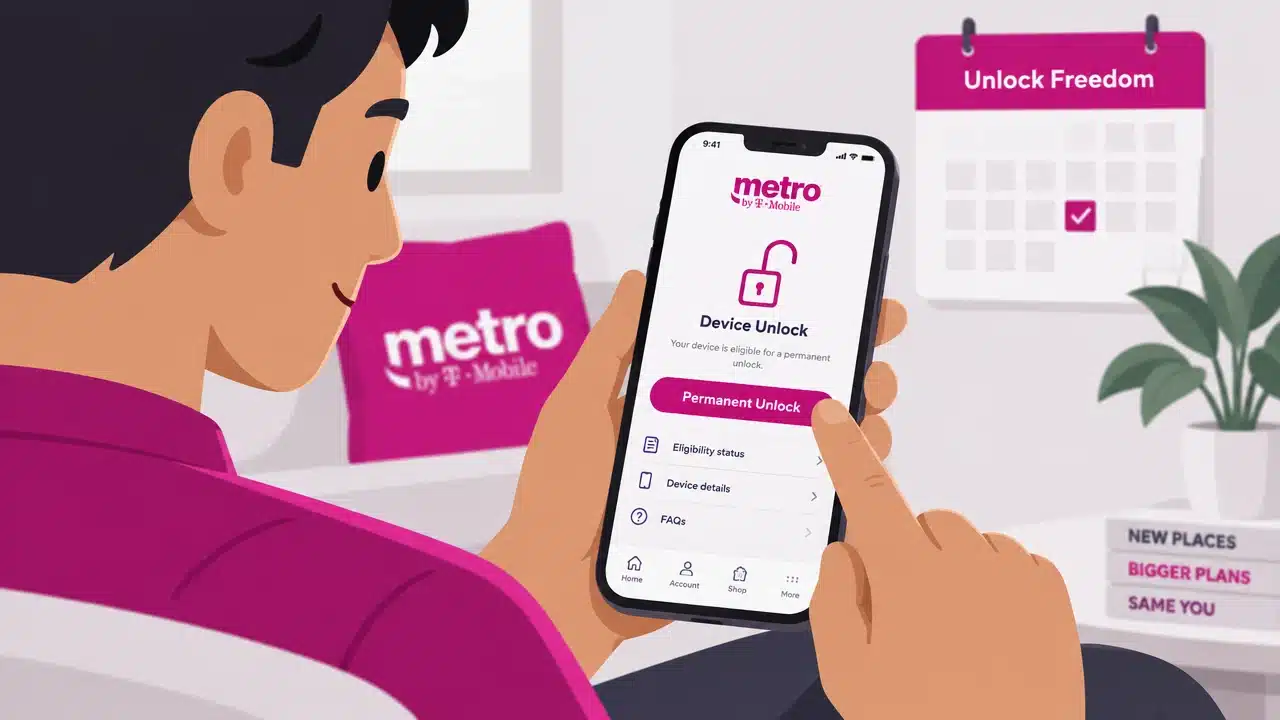
- Tap Continue or Permanent Unlock, if that option appears.
- Wait for the app to check eligibility. If it says the unlock was successful, restart the phone.
- Test with a SIM from another carrier if you have one. If the phone accepts it, the unlock worked.
If the app is missing, check that the phone is a Metro model and that you have not disabled the app. A factory reset will not help here, and it will wipe your data, so do not reset the phone just to find the app.
On iPhone: Check Carrier Lock
- Go to Settings, then General, then About.
- Scroll down to Carrier Lock.
- If it says No SIM restrictions, your iPhone is already unlocked.
- If it names Metro or another carrier, the phone is still locked.
- Once Metro confirms eligibility, the unlock is done remotely. Restart the iPhone, or remove and reinsert the SIM, and check Carrier Lock again.
iPhones do not use the Device Unlock app. If a website tells you to download an unlock app for an iPhone, close that page. The check above, plus a call to Metro, is the safe route.
Key facts: how to check your phone
Android: use the Device Unlock app, or Settings, then Network Unlock.
iPhone: check Settings, then General, then About, then Carrier Lock.
No SIM restrictions means your iPhone is already unlocked.
What to Do If the Device Unlock App Says Not Eligible
This is the message most people see, and it is also the most misunderstood. It usually means your waiting period is not over, Metro has a different activation date on file, or your phone fails one of the other conditions.
- Check the date first. Add 180 or 365 days to the activation date Metro gives you, not the date you remember.
- Confirm the phone was bought from Metro. A phone bought second-hand or from another carrier may not qualify, even after a year.
- Check for a lost, stolen, or blocked report. If the IMEI is blocked, Metro will not unlock it. This can also happen with a second-hand phone if the previous owner reported it.
- Ask Metro to check by IMEI. Call 1-888-863-8768, give the IMEI, and ask for the exact reason the phone is not eligible and the exact date it will become eligible.
The pattern is often the same on other carriers: the waiting period is longer than you expected, or the app is reading a different date. Our guide on T-Mobile unlock request denied covers the same kind of mismatch on T-Mobile, and our guide on Verizon phone still locked after 60 days explains why a phone can stay locked after its usual waiting period ends.
Keep a record of every call. Note the date, the agent’s name, any reference number, and the eligibility date they quote. If two agents give you different dates, ask the second one to explain the first one’s date.
Key facts: Device Unlock app says not eligible
The waiting period not being over yet is the most common reason.
Ask Metro for the exact eligibility date for your IMEI: 1-888-863-8768.
A blocked IMEI, or a phone not bought from Metro, will not unlock even after a year.
What Will Not Unlock Your Metro Phone Faster
A factory reset does not reset the activation date. Changing the SIM does not change the IMEI record. A third-party unlock service cannot change Metro’s eligibility date, and some ask for payment for a result Metro provides free. You may also see claims about a $100 refill shortcut. Do not rely on that claim. It is not on Metro’s official Phone Unlock Policy page, and the official policy is the only source that should decide your plan.
Frequently Asked Questions
Is the Metro unlock wait 180 or 365 days?
The Metro by T-Mobile unlock 180 or 365 days answer depends on when your phone was purchased or activated. Metro’s current official policy is 365 days from activation. The older 180-day rule still applies to handsets activated before 1 May 2024, according to Metro’s replies to Better Business Bureau complaints. Check your activation date first, and confirm it by IMEI if your date is in early May 2024.
When does the 365-day period start?
It starts on the activation date, although Metro’s wording has varied between purchased and activated for the cut-off. Ask Metro for the activation date and the unlock eligibility date for your IMEI, rather than working it out from a receipt alone.
Is the Metro unlock free?
Yes. Once the phone is eligible, Metro says it will be remotely unlocked free of charge, usually within two business days. You should not need to pay Metro, a store, or a third-party service for the standard unlock.
Why does the Device Unlock app say my phone is not eligible?
Most often, the waiting period has not ended yet. It can also mean the phone was not purchased from Metro, the IMEI is reported lost, stolen, or blocked, or Metro has a different activation date on file. Call Metro on 1-888-863-8768 and ask for the exact reason and the exact eligibility date for your IMEI.
Can I unlock a Metro phone early?
Under the official policy, no. The waiting period is a condition of the unlock, and Metro does not publish an early-unlock option on its Phone Unlock Policy page. If someone offers to unlock it early for a fee, treat that as a warning sign and check the official policy first.
Final Thoughts
The 180 vs 365 days question has a simple answer once you know your activation date. Newer phones wait a year, older phones waited six months, and phones from early May 2024 need a direct check with Metro. Find your activation date, add the right number of days, and confirm the result by IMEI.
If your date has passed and the phone is still locked, do not keep tapping the app and hoping. Call Metro, ask for the specific reason, and keep a record of what you are told. That one call usually tells you more than a dozen forum posts.
