
You did everything right. You paid the bill, you waited, you tapped the unlock button — and then you saw a T-Mobile unlock request denied message. I know that sinking feeling, because I have been there with a phone I needed to take to another carrier the same week.
A T-Mobile unlock request denied message does not always mean your phone can never be unlocked. In most cases, it means one rule has not been met yet. Once you know which rule it is, the fix is usually clear — wait a few more days, pay off the remaining balance, or fix a problem with the account.
In this guide, I will walk you through each denial reason in plain English. You will learn what T-Mobile means, how to check it yourself, and the exact step to fix it, using only the rules in T-Mobile’s official SIM Unlock Policy.
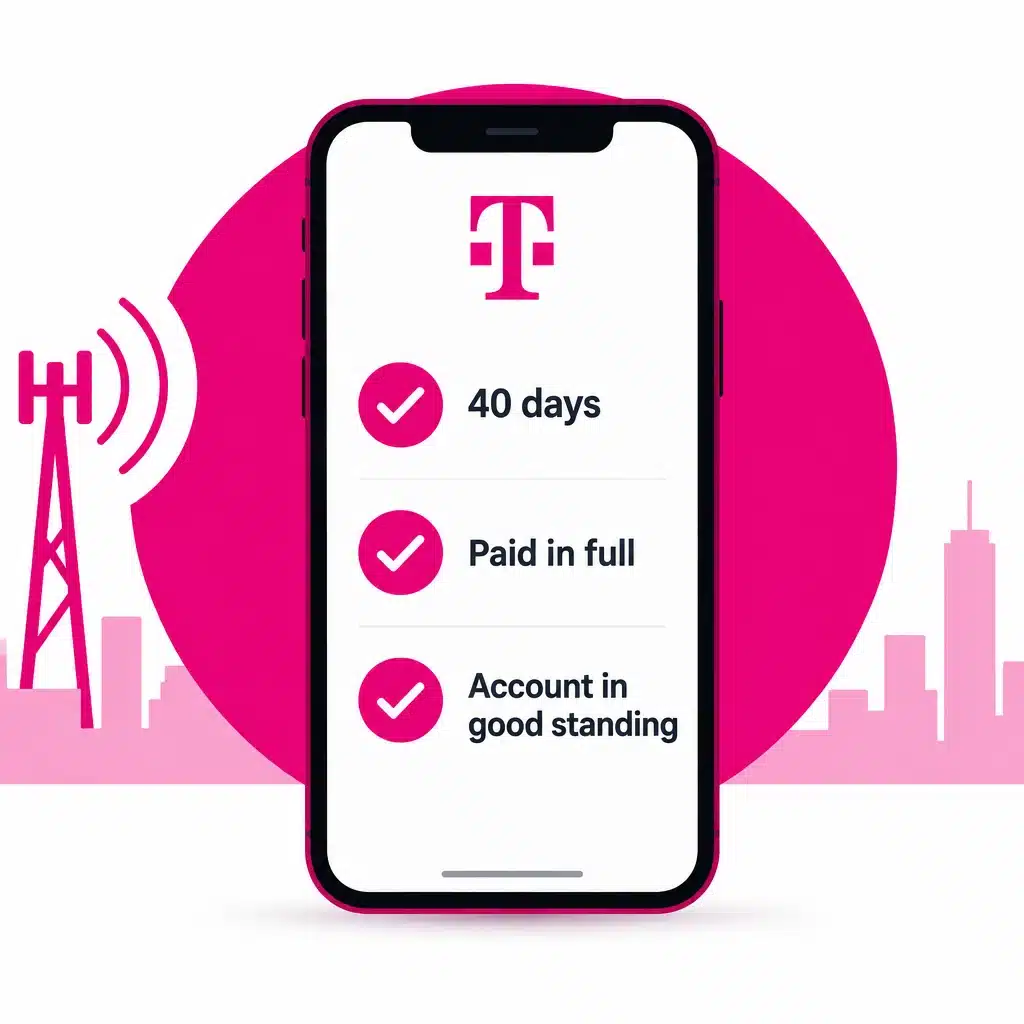
Quick Answer: T-Mobile denies an unlock request when the phone or account does not meet the unlock rules yet. For postpaid, you must keep the device active for at least 40 days on the requesting line and pay it in full if you financed or leased it. For prepaid, it must meet the 365-day rule or the refill rule below. T-Mobile will also say no if someone reported your phone lost or stolen, T-Mobile did not sell it, or the account is not in good standing. Fix the reason, wait for the unlock to process, and then check the status again.
Why T-Mobile Says No: The Basic Unlock Rules
T-Mobile does not unlock every phone on request. It unlocks only phones it sold, and only when the account and the device meet its policy. That policy is there to stop fraud and unpaid devices from being moved to another carrier too quickly. It can feel strict when you are the one waiting, but the rules are the same for everyone.
T-Mobile unlocks eligible devices free of charge. If your device supports remote unlock, T-Mobile usually unlocks it automatically within two business days once it becomes eligible. You do not need to pay a third-party service, and you should not. If someone asks you to pay to unlock a T-Mobile phone, walk away.
Postpaid rules
On a postpaid plan, you must keep your device active for at least 40 days on the requesting line. If you financed or leased the phone, you must also pay it in full. The account must stay in good standing, and no one must have reported the phone lost, stolen, or blocked.
Prepaid rules
On prepaid, the rule is different. You must keep the device active for at least 365 days since activation. There is another path, though: if you have put more than $100 in refills on the line and more than 14 days have passed since you bought the device, you may also qualify. For prepaid only, T-Mobile allows no more than 2 unlocks per line in a 12-month period.
That last point matters. If you have already unlocked two prepaid phones on the same line in the past year, T-Mobile will deny a third request even if everything else looks fine. You will need to wait until that 12-month window passes.
T-Mobile Unlock Denial Reasons at a Glance
Use this table to find your reason fast. Match the message or the situation to the row, then read the fix in the next section.
| Denial reason | What it means | How to fix it |
|---|---|---|
| Not active 40 days yet (postpaid) | The phone has not been on the line long enough. | Wait until day 40, then request again. |
| Not paid in full | A financed or leased phone still has a balance. | Pay off the remaining balance in full. |
| Account not in good standing | There is an unpaid balance or a past-due account. | Pay the bill and bring the account current. |
| Lost, stolen, or blocked | The IMEI is flagged as lost, stolen, or blocked. | Clear the flag with T-Mobile support, if you can prove ownership. |
| Not sold by T-Mobile | T-Mobile did not sell this phone. | Ask the original carrier or seller to unlock it. |
| Prepaid time or refill rule not met | It has been less than 365 days, and the refill rule is not met. | Wait, or add refills until you pass $100 and 14 days. |
| Prepaid 2-unlock limit reached | You have had 2 unlocks on this line in 12 months. | Wait until the 12-month period ends. |
T-Mobile Unlock Request Denied: What Each Reason Means and How to Fix It
1. Your phone has not been active for 40 days yet
This is the most common reason for a denied request on postpaid. T-Mobile counts 40 days from when the device became active on the requesting line, not from the day you bought it or the day you first turned it on. If you switched lines, swapped SIMs, or just started service, the clock may be shorter than you think.
The fix is simple, if not fast: wait. Mark the 40th day on your calendar and request the unlock again after that date. Do not keep tapping the unlock button every day. Repeated requests will not speed up the clock, and they will not change the answer until the rule is met.
2. Your phone is not paid in full
If you bought your phone on a payment plan or lease, T-Mobile will not unlock it until you pay the full balance. Even one small payment left can block the unlock. This catches a lot of people out, because the phone feels like theirs after a year of payments.
Check your remaining balance in your T-Mobile account or the T-Life app. Pay it off in full, then wait for the payment to clear before you ask again. If you pay it off today, give it a day or two to update in the system before you submit a new request.
3. Your account is not in good standing
Good standing means your account is current, with no unpaid or past-due balance. If you missed a bill, a payment failed, or T-Mobile suspended the account, T-Mobile will deny the unlock. It is not about your credit score. It is about whether the account is up to date right now.
Log in, check for any amount due, and pay it. If a payment failed, use a different card or payment method. Once the account shows as current, try the unlock again. If the bill looks wrong, call 611 from your T-Mobile phone and ask support to check the balance with you.
4. Your phone is reported lost, stolen, or blocked
This one is serious. If someone reported the phone’s IMEI lost or stolen, or T-Mobile blocked the device, T-Mobile will not unlock it. That block stays in place to stop stolen phones from working on another carrier. A phone bought second-hand can carry this problem without the new owner knowing.
First, check your IMEI by dialing *#06# on the phone. Then ask T-Mobile support to check the status of that IMEI. If you are the original owner and the report was a mistake, you may be able to clear it with proof of purchase. If you bought the phone used and it is blocked, contact the seller. T-Mobile cannot unlock a phone that is still flagged.
5. T-Mobile did not sell your phone
T-Mobile unlocks only phones it sold. If your phone came from another carrier, a different store, or a manufacturer direct sale, T-Mobile has no unlock to give. I have seen people waste days on this one, asking the wrong carrier.
Check where the phone came from. If it was sold by Verizon, AT&T, or another carrier, you need to ask that carrier. For example, if you have a Verizon phone still locked after 60 days, the Verizon rules apply, not T-Mobile’s. The carrier that sold the phone is the one that can unlock it.
6. Your prepaid phone has not met the time or refill rule
Prepaid unlocks take longer. You need 365 days since activation, or more than $100 in refills plus more than 14 days since purchase. Many prepaid users get denied because they count from the purchase date, but T-Mobile counts from activation. Others have added $100 in refills but have not yet passed the 14-day mark.
Check both numbers: how long the line has been active, and how much you have refilled in total. If you are close on refills, topping up can help you meet the second path. If you are not close on either, you will need to keep using the phone on T-Mobile until you qualify.
7. You have hit the prepaid 2-unlock limit
For prepaid only, T-Mobile allows no more than 2 unlocks per line in a 12-month period. This is a hard limit. If you unlocked two phones on the same line already this year, a third phone on that line will be denied, even if that third phone meets every other rule.
There is no shortcut here. You cannot reset the count by calling support or by changing the SIM. You will need to wait until the 12-month window passes, or use a different line that has not hit its limit.
How to Check Your Unlock Status Before You Ask Again
Before you submit another request, check where you stand. A quick check can tell you if T-Mobile already unlocked your phone, or what is still blocking you.
- Find your IMEI by dialing *#06# on the phone.
- Go to your T-Mobile account, choose Accounts, pick the line, then choose Check device unlock status.
- You can also check in the T-Life app, on the Manage tab.
- On an iPhone, go to Settings, then General, then About, and look at Carrier Lock. If it says “No SIM restrictions,” your iPhone is unlocked.
- On Android, open the Device Unlock app if your phone has one, or look for the Network Unlock option in settings.
Quick Tip: Take a screenshot of your unlock status and your IMEI before you call support. If a support agent asks for proof, you will have the exact wording and numbers in front of you.
How to Submit a New Unlock Request the Right Way
- Pay off any balance on the phone or the account, and confirm the account is in good standing.
- Confirm the phone has met the 40-day rule for postpaid, or the 365-day or refill rule for prepaid.
- Use the Device Unlock app on Android, or the T-Mobile account unlock status page, to submit the request. See T-Mobile’s Device Unlock support page for the steps.
- Wait for the unlock to process. For eligible devices that support remote unlock, this usually happens automatically within two business days.
- Restart the phone, then insert a SIM from another carrier to test it.
What to Do If T-Mobile Still Says No
Dial 611 from your T-Mobile phone and ask the agent to check the exact denial reason on your line and IMEI. Ask them to confirm the activation date, the payoff status, and whether the phone is flagged in any way. Write down what they tell you to do next.
If you bought the phone used, also check with the seller. T-Mobile alone cannot fix a blocked IMEI, an unpaid balance from the first owner, or a phone another carrier sold.
Frequently Asked Questions
How long does a T-Mobile unlock take after I qualify?
T-Mobile unlocks eligible devices free, usually automatically within two business days if the device supports remote unlock. Some phones need a restart or a new SIM to show the change. If it has been more than two business days, check the status again and call 611.
Can I unlock my T-Mobile phone before 40 days?
No, not on postpaid under the normal rule. You must keep the device active for at least 40 days on the requesting line, and you must pay it in full if you financed or leased it. Waiting is the only fix for this reason.
Does paying off my phone unlock it right away?
You must pay it off, but paying alone does not unlock the phone. You still need to meet the other rules, such as the 40-day rule and good standing. After you pay it off, submit a new request and allow up to two business days.
Why was my prepaid T-Mobile unlock request denied?
The most common prepaid reasons are the time rule and the 2-unlock limit. You need 365 days since activation, or more than $100 in refills plus more than 14 days since purchase. You also cannot have more than 2 unlocks per line in 12 months.
How do I know if my iPhone is unlocked?
Go to Settings, then General, then About, and look at Carrier Lock. If it says “No SIM restrictions,” your iPhone is unlocked.
The Bottom Line
A T-Mobile unlock request denied message is frustrating, but it is rarely the end of the story. Most denials come down to time, money, or a flag on the account or the IMEI. Find the reason in the table above, fix that one thing, and then request the unlock again. Check your status first, pay what is due, wait out the 40 days or the prepaid period, and test with another carrier’s SIM once it is done.
