
You filled out the AT&T unlock form and waited. Then you checked the result and saw an AT&T unlock request pending for days, or a denial with no clear reason.
I have dealt with this exact problem. You want to switch carriers, use a local SIM while you travel, or sell your phone. A locked phone blocks all of that.
The good news is that most pending and denied requests have a simple cause. In this guide, I will show you what each status means, how to check your request, why AT&T may have said no, and how to fix it and resubmit.
Quick Answer
If your AT&T unlock request is pending, wait and check again. AT&T is still reviewing it, and pending is not a denial. If it was denied, your phone most likely did not meet one of the unlock rules yet.
- Check your status with your IMEI and your unlock request number.
- Fix the reason for the denial first. Then submit a new request at att.com/deviceunlock.
- For AT&T Prepaid, trust the result the live portal gives for your IMEI. AT&T’s own pages do not agree on the waiting period.
What Each AT&T Unlock Status Means
AT&T does not always explain its status words in plain English. Use this table to find your status fast.
| Status | What it means | What to do next |
|---|---|---|
| Pending | AT&T has your request and is still reviewing it. | Wait, then check again with your IMEI and request number. |
| Approved | AT&T has approved the unlock for your device. | Follow the steps in the approval email or text, then test it with a non-AT&T SIM. |
| Denied | AT&T did not approve this request because the device did not meet the rules. | Find the reason, fix it if you can, and submit a new request. |
| Not Eligible | Your device does not meet the unlock rules right now. | Check the rules below, fix what you can, and try again later. |
A pending result can feel like a rejection, but it is not. A denial, on the other hand, is a decision. Do not keep resubmitting the same request. Find the reason first.
Pending is not denied. Do not submit a second request yet. Wait, check the status again, and only act once AT&T gives you a final answer.
How to Check Your AT&T Unlock Request Status
Checking the status takes only a few minutes, but you need two details ready. Without them, the portal cannot find your request.
What You Need Before You Check
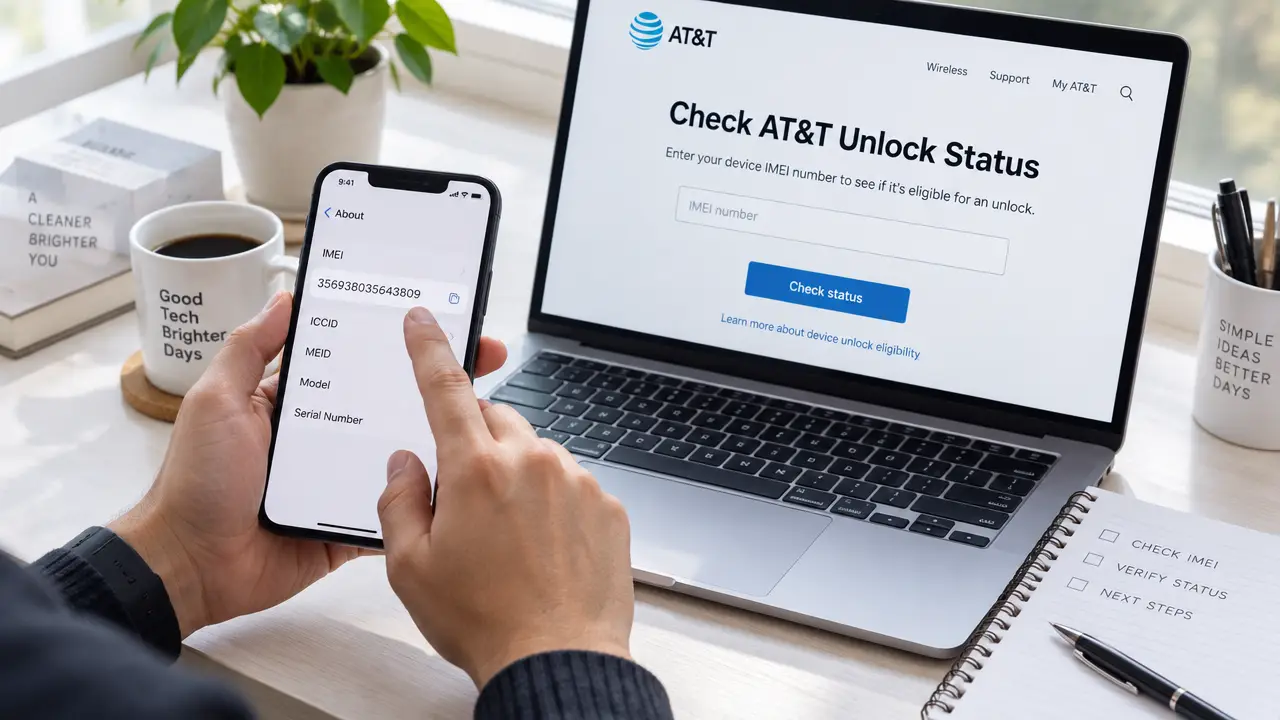
You need your IMEI and your unlock request number. Your IMEI is the 15-digit number that identifies your phone. Dial *#06# on the phone, and it will show on the screen.
Your unlock request number is in the confirmation email or text AT&T sent after you submitted the request. If you cannot find it, check your spam or junk folder. Many people find it there.
Check the Status in the Portal
- Go to att.com/deviceunlock/status.
- Enter your IMEI number exactly as it shows on your phone.
- Enter your unlock request number from the confirmation email or text.
- Submit the form and read the status it shows.
- Save a screenshot of the result, so you can quote it if you call AT&T later.
If the portal says denied or not eligible, move on to the reasons below. Work through the list and check each rule against your phone and your account.
AT&T Unlock Request Pending or Denied: Why Was It Denied?
AT&T says a request is usually not approved because the device is not eligible. That sounds vague, but it points to a short list of rules. One of the reasons below is behind most denials.
1. Your Phone Has Not Been Active Long Enough
For AT&T Wireless, the device must have been active on AT&T for at least 60 days. The clock starts from when the device became active, not from when you bought it. Wait until the 60 days have passed, then submit a new request.
2. The Phone Is Not Paid Off in Full
Your device must be paid off in full. If you still have installment payments left, AT&T will not unlock it. A small balance counts just as much as a large one. Pay it in full and wait for the payment to post.
3. Your Account Has a Past-Due Balance
Your account must be in good standing, with no past-due balance. An unpaid bill can block the unlock, even if the phone itself is paid off. Pay any past-due amount and check that your account shows as current.
4. The Phone Was Reported Lost, Stolen, or Involved in Fraud
A device reported lost or stolen cannot be unlocked. The same applies to a device linked to fraud. If you bought the phone second-hand, this is a real risk. If AT&T says the phone has this flag, only AT&T can clear it.
5. The Device Is Active on Another AT&T Account
Your device must not be active on another AT&T account. This can happen with a phone you bought used, or one still tied to a family member’s line. Ask the other account holder to remove it, or ask AT&T support to check.
6. The Device Was Not Sold by AT&T
AT&T can only unlock a device it sold. If your phone came from another carrier, AT&T cannot unlock it. Contact the carrier that sold the phone instead.
7. The AT&T Prepaid Waiting Period Is Unclear
AT&T Prepaid has its own waiting period, and AT&T’s own sources conflict here. Some AT&T pages have said 6 months of paid service, while the Prepaid section of AT&T’s unlock support page currently says 12 months. I will not state one number here as certain. For a Prepaid phone, enter your IMEI in the live portal and follow the result it gives for your device.
AT&T Prepaid warning: AT&T sources disagree on the Prepaid waiting period: 6 months in some places, and 12 months on AT&T’s current Prepaid unlock page. Check your IMEI in the live portal and follow what it says for your phone.
How to Fix It and Resubmit Your Request
Once you know the reason, the fix is usually clear. Work through these steps in order. Do not skip ahead to a new request until you have fixed the problem.
- Check the status first. Use att.com/deviceunlock/status with your IMEI and request number.
- Check the 60-day rule. For Prepaid, follow the portal result for your IMEI.
- Pay off the phone. Clear any installment balance in full and wait for it to post.
- Clear any past-due balance. Bring your account into good standing.
- Check for flags and other accounts. Ask AT&T to check for a lost, stolen, or fraud flag.
- Submit a new request. Go to att.com/deviceunlock and double-check your IMEI.
- Save the confirmation. Keep the new request number and check your spam folder if it does not arrive.
If you are not sure which reason applies, call AT&T before you resubmit. An agent can check your IMEI and tell you which rule is blocking you. That one call can save you several failed requests.
It also helps to compare carriers. Our guide on a T-Mobile unlock request denied shows how a different carrier handles the same kind of denial. Do not assume a T-Mobile fix will work on AT&T.
Approved but Your Phone Is Still Locked?
An approval does not always mean the phone unlocks by itself right away. Sometimes you still need to finish the last step on the phone. This is common, and it does not mean the approval failed.
First, insert a SIM card from a non-AT&T carrier, then restart the phone while you are on Wi-Fi. That restart lets the phone check the unlock with AT&T. iPhones usually unlock remotely after this step. Many Android phones need an unlock code from the email or text instructions AT&T sends after approval.
Check on iPhone
Go to Settings, then General, then About. Look for Carrier Lock. If it says “No SIM restrictions,” your iPhone is unlocked. Your AT&T account device info also shows “Device Unlocked” when the phone is unlocked.
Check on Android
Insert a non-AT&T SIM and restart the phone on Wi-Fi. If the phone asks for an unlock code, enter the code from the AT&T email or text instructions exactly as shown. If it accepts the SIM and shows signal, the phone is unlocked.
Quick Tip: After approval, restart the phone with a non-AT&T SIM inserted and Wi-Fi turned on. Then check Settings > General > About > Carrier Lock on iPhone. “No SIM restrictions” means you are done.
When to Call AT&T Support
Call AT&T if the portal gives you a denial with no clear reason, if your phone stays locked after an approval, or if you think a flag or another account is blocking you. A support agent can check your IMEI and your account directly.
You can call AT&T at 1-800-331-0500, or dial 611 from an AT&T phone. Before you call, have your IMEI, your unlock request number, and your account details ready. Tell the agent the exact status you saw in the portal.
For the full official steps, read AT&T’s own guide, Learn How to Unlock. It lists the current rules for AT&T Wireless, AT&T Business, and AT&T Prepaid.
FAQ
How long does an AT&T unlock request stay pending?
AT&T does not give one fixed time for every request in its public guide. A pending request means AT&T is still reviewing it. Check the status portal again later with your IMEI and request number.
Why was my AT&T unlock request denied?
It was most likely denied because the device did not meet an unlock rule. The common reasons are a phone that is not paid off, a device that has not been active for 60 days, a past-due balance, a lost or stolen flag, or a device still active on another AT&T account.
Can I resubmit an AT&T unlock request after a denial?
Yes, you can submit a new request after you fix the reason for the denial. Go to att.com/deviceunlock, enter your details, and save the new request number from the confirmation email or text.
How do I find my IMEI and unlock request number?
Dial *#06# on your phone to see your IMEI. Your unlock request number is in the confirmation email or text AT&T sent after you submitted the request. Check your spam folder if you cannot find it.
What should I do if my phone is approved but still locked?
Restart the phone with a non-AT&T SIM inserted while you are on Wi-Fi. On Android, enter the unlock code from the AT&T email or text instructions if the phone asks for one. If it still does not work, check the status portal again or call AT&T at 1-800-331-0500.
Final Thoughts
An AT&T unlock request pending is not the end of the story, and a denial is not always final either. In most cases, the cause is one clear rule: the phone is not paid off, the 60 days are not up, the account has a past-due balance, or the device has a flag or is tied to another account.
Check your status first, fix the reason, and then resubmit. Keep your IMEI and your request number safe, and save every confirmation AT&T sends you.
The rules change a lot from one carrier to the next. Our guide on a Verizon phone still locked after 60 days is a good example. Verizon uses a very different unlock timeline, so always check the rules for the carrier that sold your phone.
