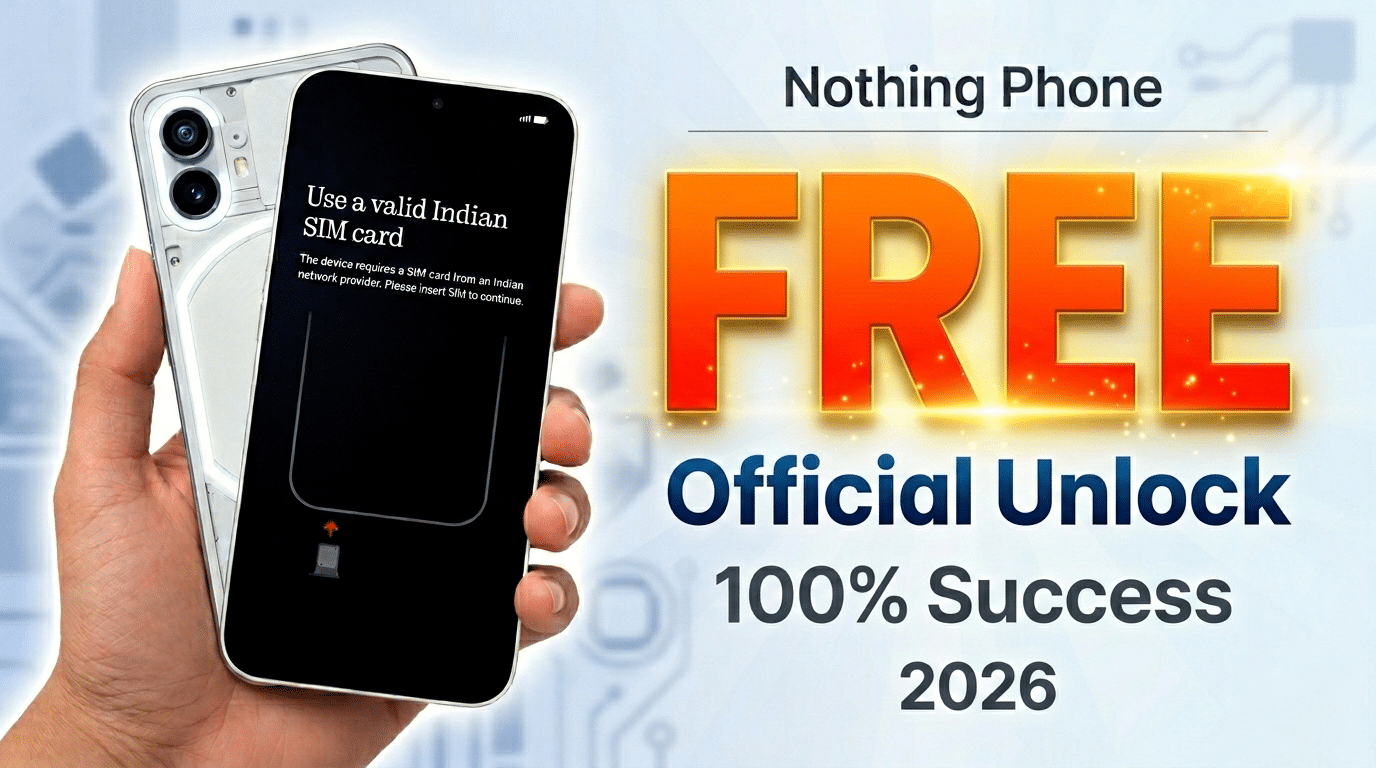
Getting a brand-new Nothing Phone or CMF Phone only to be greeted by the stubborn “Use a valid Indian SIM card” lock is a major headache, especially if you’re outside of India. This region lock is designed to prevent grey-market exports, but it can trap legitimate users who’ve traveled or imported the device.
If you don’t have an Indian SIM handy, don’t worry. As a tech writer, I’ve distilled the most effective, community-verified workarounds to help you bypass this screen and get to your home menu.
How to Bypass the “Valid Indian SIM Card” Requirement on Nothing Phones
Method 1: The “Tap 7 Times” QR Hack (Easiest & Fastest)
Many Nothing OS versions include a hidden “Developer” entry point during initial setup that lets you bypass the SIM check by triggering the QR code scanner intended for enterprise enrollment.

- Reboot the phone to the very first “Hello” or “Welcome” screen.
- Tap the white space on the Welcome screen (usually near the “Hello” text) 7 to 10 times rapidly.
- If successful, the QR Code Scanner will open.
- Scan QR code (from a cereal box, another phone, or even a generated one).
- When the phone tries to connect to the “Enterprise” network and fails, look for a “Back” or “Skip” button that wasn’t there before.
- This often “breaks” the setup loop, allowing you to proceed to the menu via the standard Google setup.
Method 2: The “Contact Us” WiFi Loophole
If the QR method doesn’t work, you can sometimes trick the activation server by toggling your connection status.
- Reach the “Insert SIM Card” screen.
- Look for a “Contact Us” or “Emergency Call” button on the bottom left/right.
- Tap it, and if it opens a sub-menu, look for a WiFi icon or Internet Settings.
- Connect to a stable WiFi network.
- Go back to the SIM screen. Sometimes, the “Successful Activation” message triggers simply because the phone pinged the server via WiFi while a SIM (even a non-Indian one) was inserted.
Method 3: The “Borrow & Fly” Strategy (Most Reliable)
Nothing’s region lock is an initial-only check. Once the phone is activated once with an Indian SIM, the lock is gone forever (until a factory reset).
- The Fix: Borrow an Indian SIM (Airtel, Jio, or Vi) from a friend or a local expat.
- The Steps: Insert the Indian SIM -> Complete the Setup -> Reach the Home Screen -> Restart the phone -> Remove the Indian SIM.
- Your local SIM will now work perfectly.
Method 4: Official “Nothing Support” Unlock (The Pro Way)
If you are legally using the phone outside of India, Nothing Support can actually whitelist your IMEI remotely.
- Email support@nothing.tech or contact @NothingSupport on X (formerly Twitter).
- Provide your IMEI number (found on the box or by dialing
*#06#the emergency dialer). - Explain that you are a global user and cannot access an Indian SIM.
- They typically unlock it within 24–48 hours. Once they give the green light, just connect to WiFi, and the “Insert SIM” screen will disappear.
Important Tips to Remember
- Avoid Factory Resets: If you used Method 1, 2, or 3, a factory reset will likely re-lock the device. You’ll have to repeat the process.
- No Roaming Needed: The Indian SIM does not need to have an active roaming plan to trigger the initial activation; it just needs to be recognized as a valid Indian ICCID.
Comparison of Methods
| Method | Success Rate | Difficulty | Best For… |
| QR Tap Hack | 70% | Easy | Quick bypass without extra tools. |
| Borrow SIM | 100% | Medium | Those who know someone from India. |
| Official Support | 100% | Easy | A permanent, “clean” solution. |
For Directly Unlock Contact Me On Whatsapp +8801771989858
Our Auto Mobile Unlocking Server: https://nunlocker.com/
